Box Integration
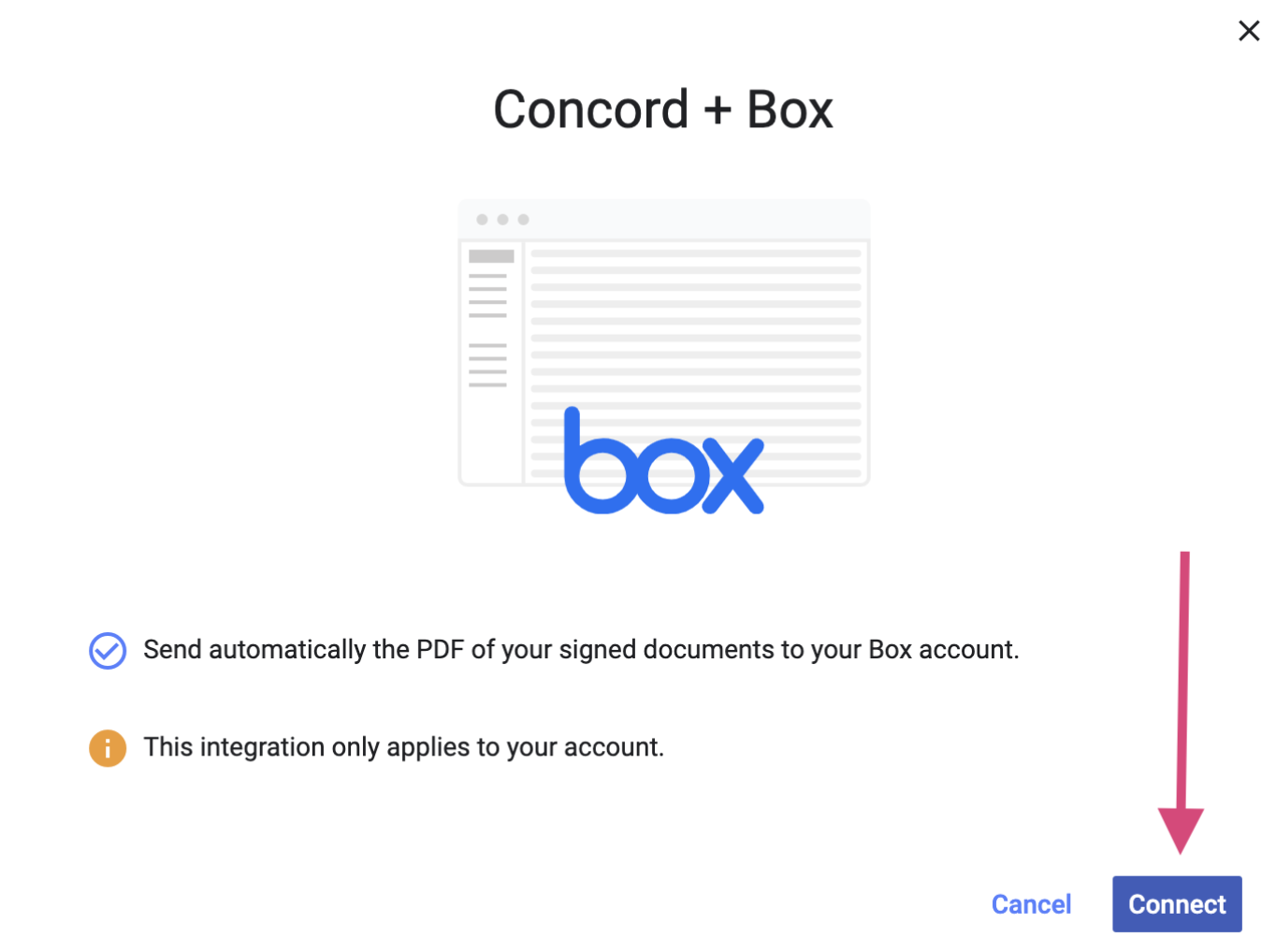
Connect Concord and Box through the native integration and export your documents post signature. With the Box integration enabled, signed documents will automatically be exported for additional storage within Box.
This Article Answers
How do I integrate Box with Concord to automatically export signed documents?
TL;DR
Connect Concord and Box through the native integration to automatically export signed documents to Box for additional storage. Access the integration through Automations > Integrations from the homepage.
Key Facts
- •Navigate to Automations > Integrations from the Concord homepage to set up Box integration
- •Signed documents automatically export to Box once the integration is enabled
- •Box integration provides additional storage for post-signature documents
- •The integration is native between Concord and Box platforms
-
Click Automations>I****ntegrations from the homepage
-
Toggle **on **the Box integration
-
You will be redirected and requested to log in - follow the prompts to grant Concord access to your cloud storage account.
-
Once connected, your contracts will be exported to a **Concord **folder in your Box account automatically upon the signature of all parties. Before setting up the integration, documents signed in Concord will not be retroactively exported to your cloud storage account.
This functionality is available with some of our paid accounts.